Why isn't there a certificate attached?
Some government departments, non-profit organisations, and corporate email systems have strict security policies that may prevent PDF attachments from being delivered or displayed in emails. This is a common security measure used by many organisations to help protect against potentially unsafe attachments.
For this reason, your certificate is also provided as a secure online credential.
How do I access my certificate?
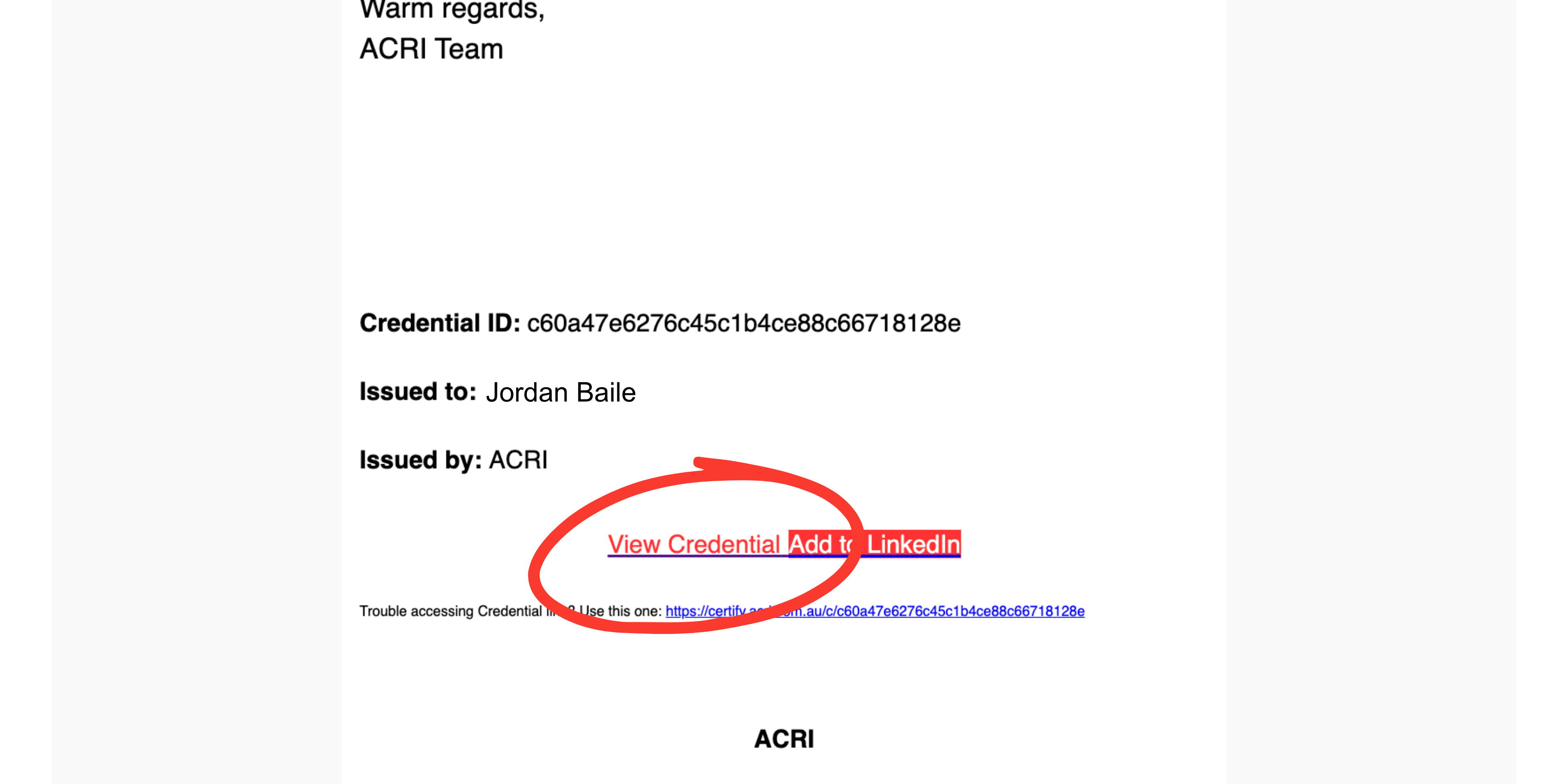
Open the certificate email you received from ACRI and click the View Credential button.
This will open your certificate in your web browser, where you can:
View your certificate
Download a PDF copy
Print your certificate
Share your credential if you'd like
I still can't access my certificate
If the View Credential button isn't working or you can't locate your certificate, please contact the ACRI team.
When contacting us, please include:
Your full name
The email address you used for your training
The approximate date you completed your course
We'll be happy to send you a direct link to your certificate.