What is CPSTDocs?
CPSTDocs is ACRI’s new documentation platform, replacing the previous Logbook App. Available free of charge to ACRI members, it has been purpose-built for Child Passenger Safety Technicians (CPSTs) to help manage documentation, client records, and restraint check consultations in one secure location.
The platform provides all the functionality previously offered through the Logbook App, along with enhanced tools for record keeping, reporting, and practice management.
With CPSTDocs, technicians can:
- Record child restraint checks and consultations
- Securely store client information and records
- Generate professional documentation and reports
- Access records from anywhere through the platform
- Maintain consistent and organised record keeping
- Manage their CPST documentation more efficiently
CPSTDocs Website
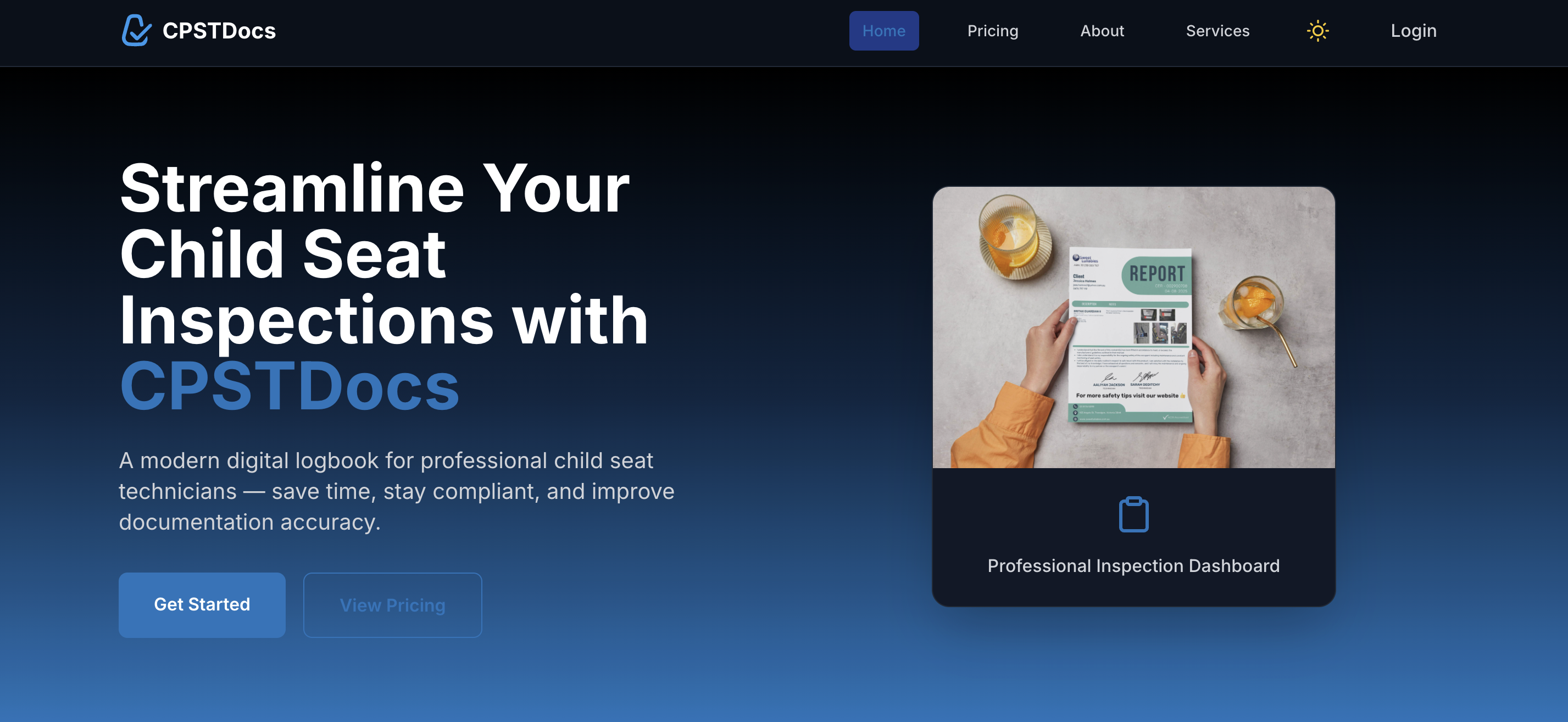
You can learn more about CPSTDocs by visiting the official website below:
How to Create an Account
If you're new to CPSTDocs, you can follow the step-by-step account setup guide here:
https://help.cpstdocs.com/en/articles/1-how-to-create-an-account-in-cpstdocs
The guide will walk you through:
1. Creating your account
2. Setting up your profile
3. Accessing the CPSTDocs platform
4. Getting started with your documentation system
Need Help?
The CPSTDocs Help Centre provides support articles and setup guides to help you get started and make the most of the platform.
Help Centre:
If you have any questions regarding CPSTDocs or ACRI membership access, please feel free to contact the ACRI team.